
Practical preparation
Umrah Phone, SIM and Apps: Staying Connected in Saudi Arabia
You have three ways to stay connected: your U.S. carrier’s international plan, a travel eSIM bought before you leave, or a Saudi visitor SIM or eSIM from stc, Mobily or Zain, which must be registered to your passport. Install Nusuk, your airline’s app and offline maps before you fly.
General guidance, not a religious ruling. Practice can differ between schools of thought; for your own circumstances, consult a qualified scholar.
Quick answers
- Will my U.S. phone work in Saudi Arabia?
- Most modern U.S. phones work there. Check with your carrier about an international plan, or make sure the phone is unlocked if you plan to use a travel eSIM or a Saudi SIM.
- Should I get a Saudi SIM or an eSIM?
- A travel eSIM bought before you leave is the simplest for data. A Saudi visitor SIM or eSIM gives you a local number, useful for drivers and hotels, but must be registered with your passport.
- Which apps do I need for Umrah?
- Nusuk for permits and Rawdah appointments, your airline’s app, offline maps with your hotels saved, a prayer-times app, and the Haramain railway app if you will take the train.
- What plug adapter do I need?
- Type G, the three-rectangular-pin plug, is the most common in Saudi Arabia; some outlets accept other types. U.S. phone chargers usually handle the local voltage, but check before plugging in other devices.
Your phone does a lot of work on Umrah: it holds your permit and bookings, finds your hotel, calls your driver and keeps the family together in crowds. Sorting out connectivity before you fly saves stress in the arrivals hall. Here are the options, the apps worth installing and a few cautions.
Three ways to stay connected
| U.S. carrier plan | Travel eSIM | Saudi visitor SIM or eSIM | |
|---|---|---|---|
| Set up | Add an international plan before you go | Buy and install before you leave | Buy online, in an app or in store; registered with your passport |
| Local number | No; your U.S. number | Usually no; data only | Yes |
| Works on landing | Yes | Yes, once activated | After purchase and activation |
| Phone must be unlocked | No | Yes | Yes |
| Best for | Short trips and simplicity | Data on arrival without a store visit | Longer stays and calling local drivers and hotels |
Many pilgrims combine them: a travel eSIM for data on landing, then a local SIM once settled, keeping the U.S. line for bank texts.
Saudi operators
The main operators are stc, Mobily and Zain, and each sells prepaid plans for visitors. For example, stc’s Sawa Visitor plan is aimed at tourists and Umrah pilgrims and can be booked online or in the mystc app and activated at a branch after arrival. Zain’s Yaqoot service announced visitor SIM and eSIM registration through the Absher app in 2025. Plans and steps change, so check each operator’s official page.
- Have your passport with you for registration
- Check that your phone supports eSIM and is unlocked
- Choose a plan with more data than you think; maps and video calls use a lot
Apps to install before you fly
- Nusuk: the official platform for Umrah permits and Rawdah appointments; see Nusuk Explained
- Your airline’s app: gate changes, delays and rebooking
- Maps with offline areas: save both hotels, the stations and your meeting gates
- Prayer times and qibla: local times update as you travel
- Haramain railway: if you will take the train; see the official site
- A ride-hailing app: useful for ziyarat and station trips
- Messaging: a family group chat with live location sharing
Power and charging
- Type G is the most common plug; bring two adapters
- A power bank in your carry-on, within airline limits
- A short cable for the day bag
- Charge overnight; days in the mosque drain batteries
Examples
- A Queens family of five: one parent buys a Saudi visitor SIM for a local number, everyone else uses a travel eSIM, and live location is shared in the family chat
- A Chicago retiree: an international plan from the U.S. carrier, so nothing changes on the phone
- A San Jose student: a travel eSIM installed before leaving, data only, internet calls home
Set up before you leave the U.S.
- Ask your carrier whether your phone is unlocked and what an international plan would cost
- Check that your phone supports eSIM if you plan to use one
- Install and test your travel eSIM at home if you choose one, without switching it on until you land
- Download offline maps of Makkah, Madinah and Jeddah, and save your hotels, stations and meeting gates
- Save your hotels’ addresses in Arabic and English
- Install Nusuk, your airline’s app and any railway app, and sign in while you have home Wi-Fi
- Turn on Wi-Fi calling for your U.S. line
- Share your itinerary and hotel details with someone at home
How much data you need
Maps, messaging, the Nusuk app and a few video calls home add up quickly. A light user may be fine with a modest plan, but families who video-call every day, or anyone who uses a phone as a hotspot for a tablet or laptop, should choose a larger plan. Download maps, duas and Qur’an recitations to the phone at home, rather than streaming them over mobile data.
Keeping the family connected in crowds
Mobile networks around the holy mosques carry a huge load at prayer times, and messages can be slow just when you need them. Phones also run out of charge after long days. So use technology, but do not rely on it alone:
- Share live location in a family group chat
- Agree a fixed meeting point outside a named gate and a time to meet if anyone is separated
- Give children a card with a parent’s number and the hotel name
- Carry a power bank and charge every night
Using Nusuk on your phone
Nusuk holds your Umrah permit and Rawdah appointments. Keep the app updated, make sure you can sign in before you travel, and screenshot your permits in case you lose signal at the mosque. Appointment availability changes, so check the app regularly; no agency can guarantee a slot.
Cautions
- Social media: the State Department warns that some posts can lead to prosecution in Saudi Arabia; think before you post
- Photography: do not photograph other worshippers, and follow staff instructions
- Bank texts: keep your U.S. number reachable for card security codes
- Alerts: enroll in STEP for embassy messages
For your arrival, see Umrah Airport Transfers; for finding your way, see Makkah and Madinah Orientation; and for the rest of your day bag, see Umrah Travel Kit Essentials. The bigger picture is in our complete guide to Umrah from the USA.
This guide is general travel information. Official rules, operator plans and airline policies change, so check the official source before you travel and confirm the details of any booking in writing.
Questions about your trip? Request a personalized quote and ask your specialist anything about staying connected. Everything is arranged on request, subject to availability.
Frequently asked questions
Do I need to register a Saudi SIM?
Yes. Saudi SIMs and operator eSIMs are registered to the user’s identity, which for visitors means a passport. Operators offer in-store registration and, in some cases, app-based registration; Zain, for example, announced visitor registration through the government Absher app in 2025.
Can I buy a SIM at the airport?
Operator counters and shops are commonly found at major airports and in the cities. stc says its visitor SIM can be booked online or in the mystc app and activated at a branch after arrival.
Is Wi-Fi available in the hotels and mosques?
Most hotels offer Wi-Fi, though speeds vary at busy times. Do not rely on public Wi-Fi for anything important; mobile data is more dependable.
Can I use WhatsApp to call home?
Messaging and internet-calling apps generally work over mobile data and hotel Wi-Fi. Keep a regular phone number as a backup in case an app does not connect.
Should I worry about what I post?
Yes. The State Department warns that Saudi law treats some social-media posts as crimes, with serious penalties. Avoid posting about politics, religion or other people, and do not photograph worshippers.
Should I get a Saudi SIM or an eSIM?
A local SIM or eSIM is usually much cheaper than U.S. international roaming and makes the Nusuk app, maps and messaging easy. Saudi carriers sell tourist SIMs at Jeddah and Madinah airports with passport registration, and many eSIM providers cover Saudi Arabia, which you can set up before you fly if your phone is unlocked. Keep your U.S. number reachable for bank codes. See phones, SIMs and apps.
Can I use WhatsApp while traveling in Saudi Arabia?
Yes, WhatsApp messaging works on Saudi mobile data and hotel Wi-Fi, and it is how many drivers and hotels communicate. Voice and video calling over apps has been restricted in the past and has varied, so do not rely on it for urgent calls; keep a local number or roaming as a backup. Follow Saudi law on what you post or share; the U.S. State Department warns that social-media posts have led to arrests.
What information should I keep on my phone?
Keep offline copies of your passport and visa pages, Nusuk permits, flight tickets, hotel and transfer confirmations, your quote, travel insurance details, your coordinator’s contact and the U.S. consulate’s number. Add your hotel’s name in Arabic and English and save a map of the area. Protect the phone with a passcode, and keep paper copies of the essentials in a separate bag.
How do I contact my travel coordinator during the trip?
Your final travel documents include the contact details to use while you are traveling, along with the local contacts for your transfers and hotels. Before you leave, use the phone, email or WhatsApp details on our contact page. Save the numbers in your phone and on paper, and allow for the time difference when you call the U.S. office.
What should I do if I need help during the journey?
For an emergency, call 911, the unified emergency number in the Makkah and Madinah regions, or ask hotel staff or mosque security. For problems with transfers, hotels or flights, contact your coordinator. U.S. citizens can contact the U.S. Consulate General in Jeddah or the Embassy in Riyadh for passport loss and emergencies; enroll in the Smart Traveler Enrollment Program (STEP) before you go so they can reach you. If you are separated from your group in the mosque, go to the meeting point you agreed.
Sources and official references
- stc: Sawa Visitor (Sawa Ziyara) prepaid SIM for visitors (opens in a new tab)
- Zain KSA: Yaqoot visitor SIM authentication through Absher (May 2025) (opens in a new tab)
- Nusuk: official Saudi platform for Umrah permits and pilgrim services (opens in a new tab)
- Haramain High Speed Railway (official site and booking) (opens in a new tab)
- U.S. Department of State: Saudi Arabia travel advisory and country information (Level 3, issued October 12, 2026) (opens in a new tab)
- Smart Traveler Enrollment Program (STEP) (opens in a new tab)
Sources checked . Rules for visas, travel and health change. Always confirm with official sources before you travel.
Planning your Umrah?
A specialist can help with dates, hotels and travel questions, and reply with an itemized quote in USD. There is no obligation.
Get your personalized quote
Safa Rihla Umrah Editorial Team
Umrah travel specialists
Guides from the Safa Rihla Umrah team are written for pilgrims traveling from the United States. They combine practical travel planning with mainstream explanations of the rites, note where scholarly opinions differ, and say so when a guide is still awaiting review by a qualified reviewer. They are general information, not personal religious rulings; please consult a qualified scholar about your own circumstances.
Related guides
All guidesTravel Planning
Umrah Travel Kit Essentials: Your Carry-On and Day Bag
Build four small kits: a documents pouch, an in-flight and Ihram kit for the carry-on, a mosque day bag, and a health kit. Each fits in a bag you carry yourself, so the essentials are always with you even if a suitcase is delayed.
5 min read
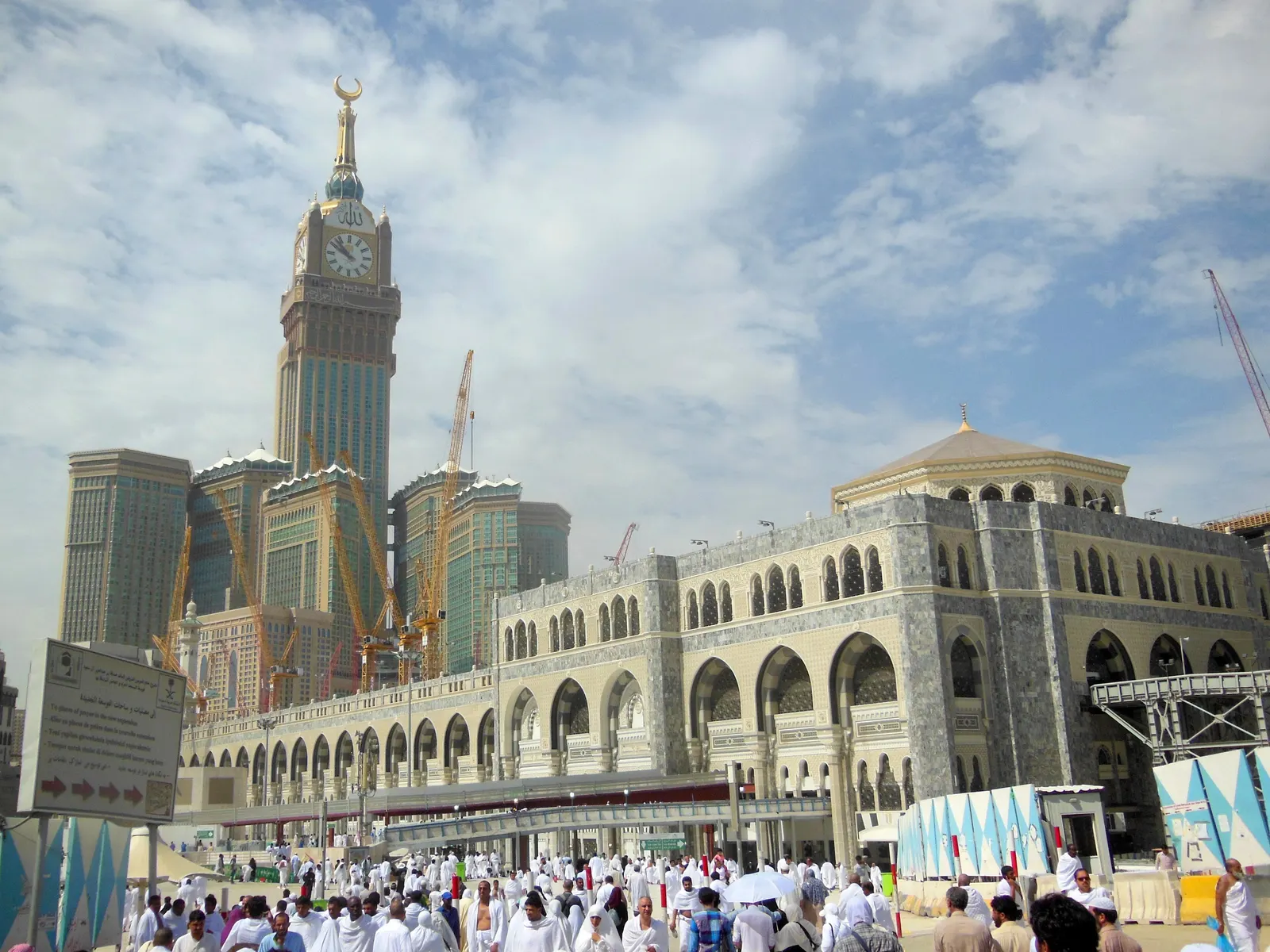
Makkah & Madinah
Makkah and Madinah Orientation for First-Time Visitors
Find your way around the two holy cities: how the Masjid al-Haram and the Prophet’s Mosque are laid out, how to use gates as meeting points, how the Rawdah works through Nusuk, getting around each city and the daily rhythm set by prayer times.
5 min read
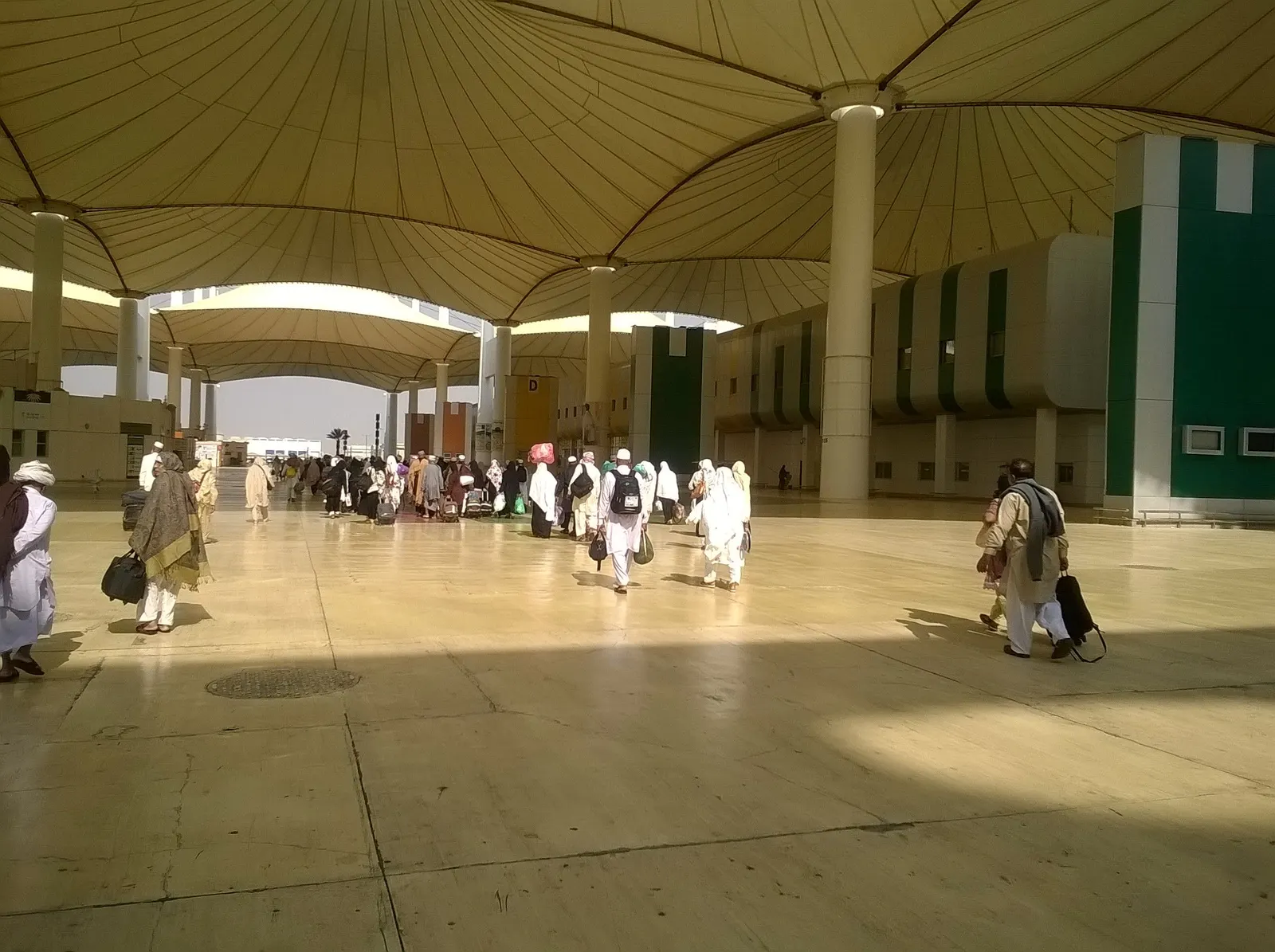
Travel Planning
Umrah Airport Transfers: Jeddah and Madinah Arrivals Explained
After landing in Jeddah or Madinah, you reach your hotel by private car, shared coach, or the Haramain train plus a car. Here is what happens on arrival, how to choose a transfer and what to confirm before you fly.
5 min read
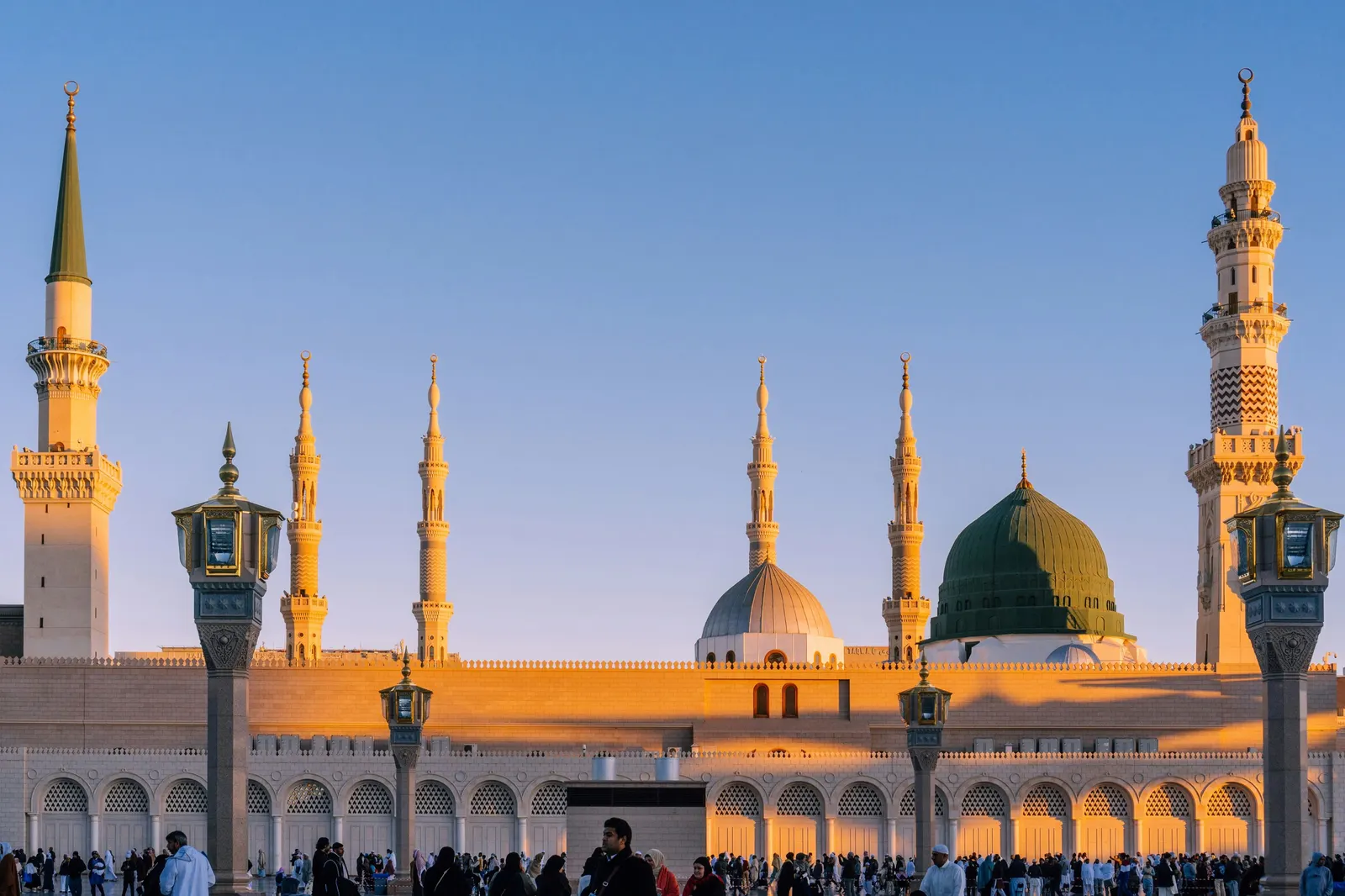
Travel Planning
Nusuk Explained: Umrah Permits, Rawdah Appointments and Umrah Packages
Nusuk is Saudi Arabia’s official platform for pilgrims. You use the Nusuk app to book the Umrah permit every visitor needs and appointments to pray in the Rawdah, and the Nusuk Umrah platform to buy packages that come with an Umrah visa. Here is how each part works.
5 min read
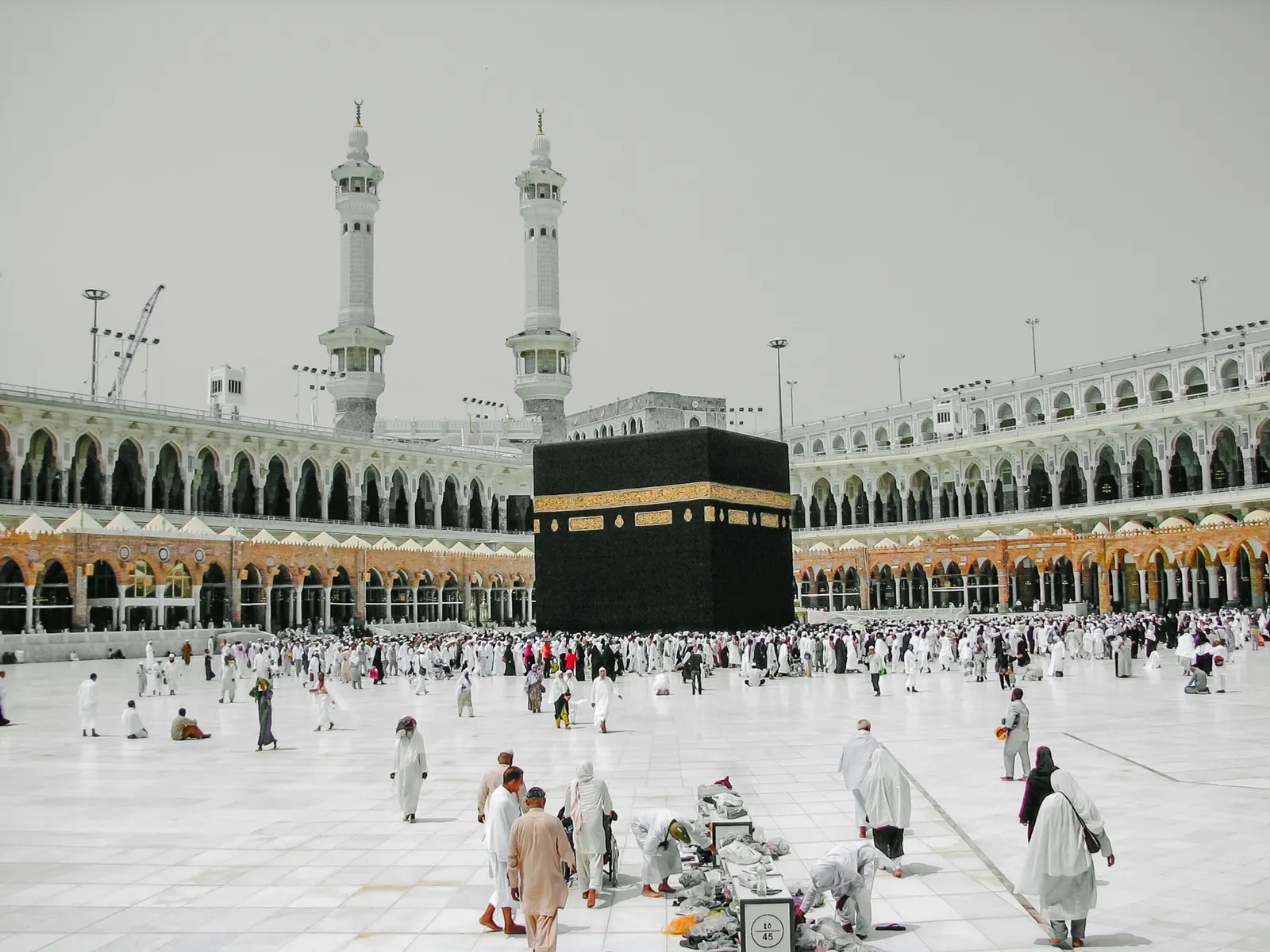
Travel Planning
What to Pack for Umrah: A Practical Guide for U.S. Travelers
Pack light, keep documents, medicines and Ihram in your carry-on, choose broken-in footwear, bring unscented toiletries for the time in Ihram, and adjust for the season: cool winter evenings, Ramadan nights or summer heat. This guide explains the reasoning; the printable checklist lists the items.
5 min read
Travel Planning
When Umrah Plans Change: Delays, Cancellations and Date Changes
If your Umrah plans change, contact your airline and your specialist straight away, keep every message in writing, check your visa and the Umrah season dates before agreeing to new ones, and use your insurance. With flights to the region disrupted at times, here is what to do before and during the trip.
5 min read